fzf-lua
4,490
Stars
0
Forks
0
Watchers
0
Open Issues
未知
许可证
Lua
语言
创建时间
最近更新
项目能做什么
使用 Lua 编写的增强版 fzf.vim 插件。
来源:基于仓库元数据
· 内容以仓库实际 README 为准
使用说明 查看原始 README 原仓库文档
中文使用说明暂未生成。下面保留原仓库 README 摘录,命令与配置均以原文为准。
原始 README 摘录(英文原文,节选前 3000 字符)
<div align="center">
# fzf :heart: lua

[Quickstart](#quickstart) • [Installation](#installation) • [Usage](#usage) • [Commands](#commands) • [Customization](#customization) • [Wiki](https://github.com/ibhagwan/fzf-lua/wiki)
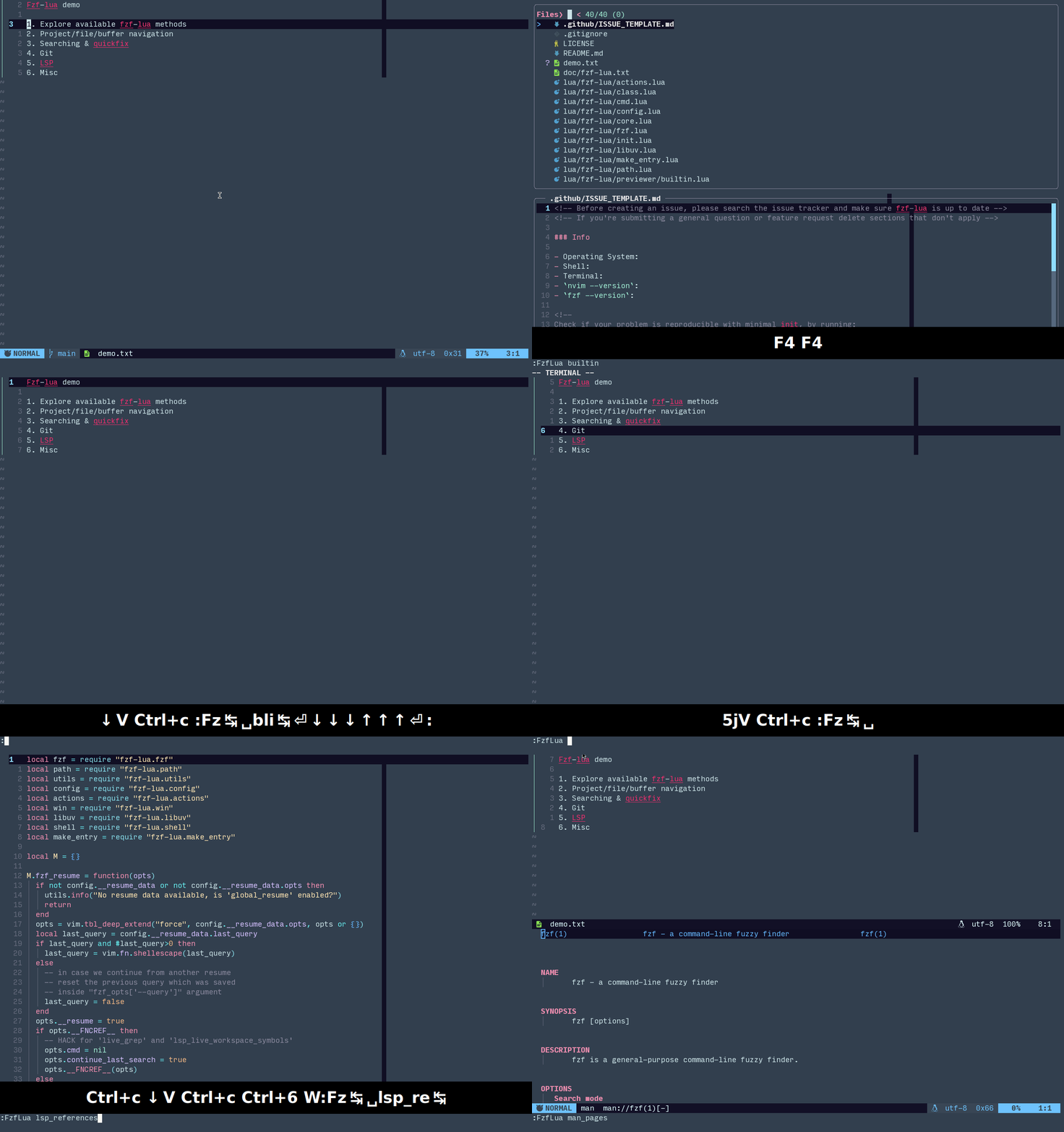
“because you can and you love fzf” - [@junegunn](https://github.com/junegunn)
"fzf changed my command life, it can change yours too, if you allow it" -
[@ibhagwan](https://github.com/ibhagwan)
</div>
## Quickstart
To quickly test this plugin without changing your configuration run (will run in its own sandbox
with the default keybinds below):
> [!NOTE]
> it's good practice to first
> [read the script](https://github.com/ibhagwan/fzf-lua/blob/main/scripts/mini.sh)
> before running `sh -c` directly from the web
```sh
sh -c "$(curl -s https://raw.githubusercontent.com/ibhagwan/fzf-lua/main/scripts/mini.sh)"
```
| Key | Command | Key | Command |
| ----------| ------------------| ----------| ------------------|
| `<C-\>` | buffers | `<C-p>` | files |
| `<C-g>` | grep | `<C-l>` | live_grep |
| `<C-k>` | builtin commands | `<F1>` | neovim help |
## Installation
[](https://luarocks.org/modules/ibhagwan/fzf-lua)
Using [vim.pack](https://neovim.io/doc/user/pack/) and Neovim 0.12+
```lua
vim.pack.add({
{ src = "https://github.com/ibhagwan/fzf-lua" },
})
```
Using [lazy.nvim](https://github.com/folke/lazy.nvim)
```lua
{
"ibhagwan/fzf-lua",
-- optional for icon support
dependencies = { "nvim-tree/nvim-web-devicons" },
-- or if using mini.icons/mini.nvim
-- dependencies = { "nvim-mini/mini.icons" },
---@module "fzf-lua"
---@type fzf-lua.Config|{}
---@diagnostic disable: missing-fields
opts = {}
---@diagnostic enable: missing-fields
}
```
<details>
<summary>Show dependencies</summary>
### Dependencies
- [`neovim`](https://github.com/neovim/neovim/releases) version >= `0.9`
- [`fzf`](https://github.com/junegunn/fzf) version > `0.36`
or [`skim`](https://github.com/skim-rs/skim) binary installed
- [nvim-web-devicons](https://github.com/nvim-tree/nvim-web-devicons)
or [mini.icons](https://github.com/nvim-mini/mini.icons)
(optional)
### Optional dependencies
- [fd](https://github.com/sharkdp/fd) - better `find` utility
- [rg](https://github.com/BurntSushi/ripgrep) - better `grep` utility
- [bat](https://github.com/sharkdp/bat) - syntax highlighted previews when
using fzf's native previewer
- [delta](https://github.com/dandavison/delta) - syntax highlighted git pager
for git status previews
- [jj](https://github.com/jj-vcs/jj) - for Jujutsu commands (`jj_files`, `vcs_files`)
- [nvim-dap](https://github.com/mfussenegger/nvim-dap) - for De
阅读完整原文
商业机会分析 规则生成(AI 未配置)
综合评分 41.8 分。该项目在“个人可实施性”维度得 35 分,“付费可能性”维度得 20.0 分,差异化空间 70.0 分(评分依据见评分卡)。
面向细分需求的二次开发产品
| 产品构想 | 基于 fzf-lua 的核心能力,聚焦一个更窄的场景(如某平台、某行业)做差异化。 |
| 目标用户 | 该细分场景用户 |
| 难度/周期 | 中 · 2~6 周 |
| 收费模式 | 买断制 / 订阅制 / 广告 |
| 竞争风险 | 细分需求规模需验证 |
| 依据 | AI 推测:基于项目主题标签的判断 |
以上为规则引擎基于仓库公开数据生成的参考结论,包含推测成分,不构成投资或创业承诺;配置 AI 后可获得更深入的分析。
报告会保存到 个人中心
竞品与相似项目 GitHub Search 真实检索
| 项目 | 中文简介 | Stars | 语言 |
|---|---|---|---|
| vijaymarupudi/nvim-fzf | 中文介绍暂未生成 A Lua API for using fzf in neovim. |
349 | Lua |
| coffebar/neovim-project | 中文介绍暂未生成 Neovim project plugin simplifies project management by maint |
306 | Lua |
| mrjones2014/dash.nvim | 中文介绍暂未生成 🏃💨 Search Dash.app from your Neovim fuzzy finder. Built with |
242 | Rust |
| DrKJeff16/project.nvim | 中文介绍暂未生成 Actively maintained fork of ahmedkhalf/project.nvim. Detects |
203 | Lua |
| uhs-robert/sshfs.nvim | 中文介绍暂未生成 📡 sshfs.nvim integrates with Neovim, using SSH and SSHFS to |
165 | Lua |
| CNTRUN/Termux-command | 中文介绍暂未生成 char const* const commands[] = { "aapt", " aapt", " zipalign |
118 | - |
以上为通过 GitHub 官方 Search API 检索的相似项目,功能差异与优劣势需进一步人工确认,配置 AI 后可生成对比分析。
项目优势与风险
| 技术成熟度 | 创建于 ,最近推送 |
| 社区活跃 | Star 4,490 / Fork 0 / Issue 0(数据支持,可自行核实) |
| 许可证 | 未检测到(需人工确认) |
| 主要风险 | 上游项目方向可能变化;同赛道竞争者较多(见竞品表);热度与需求不完全等价 |
安装与使用
快速开始(以仓库 README 为准)
git clone https://github.com/ibhagwan/fzf-lua.git
cd fzf-lua
# 请阅读仓库 README 获取确切安装步骤(依赖、配置、启动命令)
术语说明:Docker=应用容器(把程序和依赖打包运行);API Key=调用外部服务的密钥;Git Clone=把仓库代码下载到本地。常见错误:API Key 未配置 / 端口占用 / 数据库连接失败,多数项目在 README 的 Troubleshooting 章节有说明。