markor
6,416
Stars
566
Forks
72
Watchers
215
Open Issues
NOASSERTION
许可证
Java
语言
2017-08-26
创建时间
2026-11-09
最近更新
项目能做什么
支持 Markdown、todo.txt 的 Android 文本编辑与笔记应用。
来源:基于仓库元数据
· 内容以仓库实际 README 为准
使用说明 查看原始 README 原仓库文档
中文使用说明暂未生成。下面保留原仓库 README 摘录,命令与配置均以原文为准。
原始 README 摘录(英文原文,节选前 3000 字符)
[](https://github.com/gsantner/markor/releases) [](https://github.com/gsantner/markor/releases) [](https://crowdin.com/project/markor) [](https://github.com/gsantner/markor/discussions) [](https://github.com/gsantner/markor/actions) # Markor <img src="/app/src/main/ic_launcher-web.png" align="left" width="128" hspace="10" vspace="10"> <b>Text editor - Notes & ToDo (for Android)</b>. <br/>Simple and lightweight, supporting Markdown, todo.txt, Zim & more!<br/><br/> **Download:** [F-Droid](https://f-droid.org/repository/browse/?fdid=net.gsantner.markor), [GitHub](https://github.com/gsantner/markor/releases/latest) Markor is a TextEditor for Android. This project aims to make an editor that is versatile, flexible, and lightweight. Markor utilizes simple markup formats like Markdown and todo.txt for note-taking and list management. It is versatile at working with text; it can also be used for keeping bookmarks, copying to clipboard, fast opening a link from text and lots more. Created files are interoperable with any other plaintext software on any platform. Markor is openly developed free software that accepts community contributions. 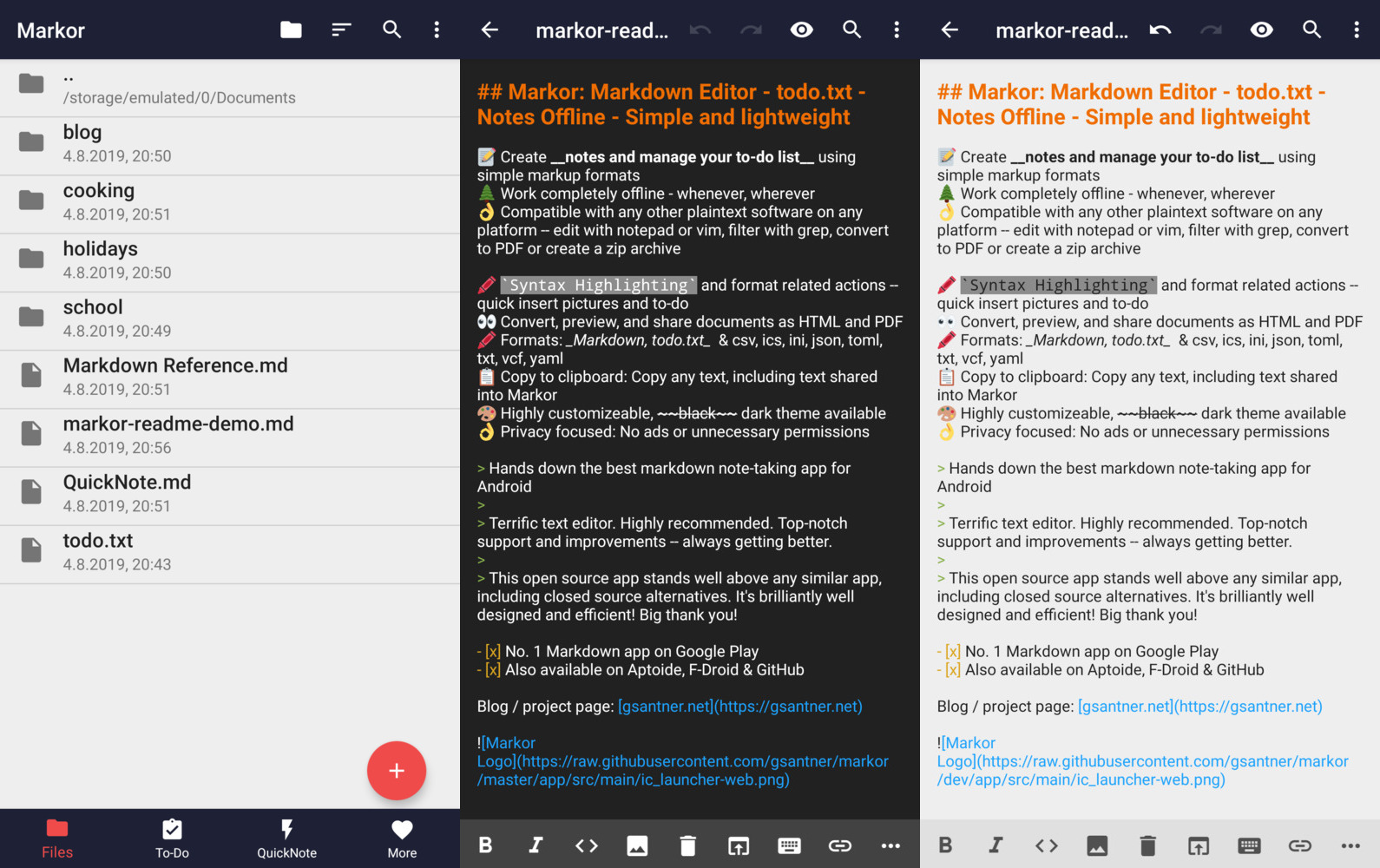 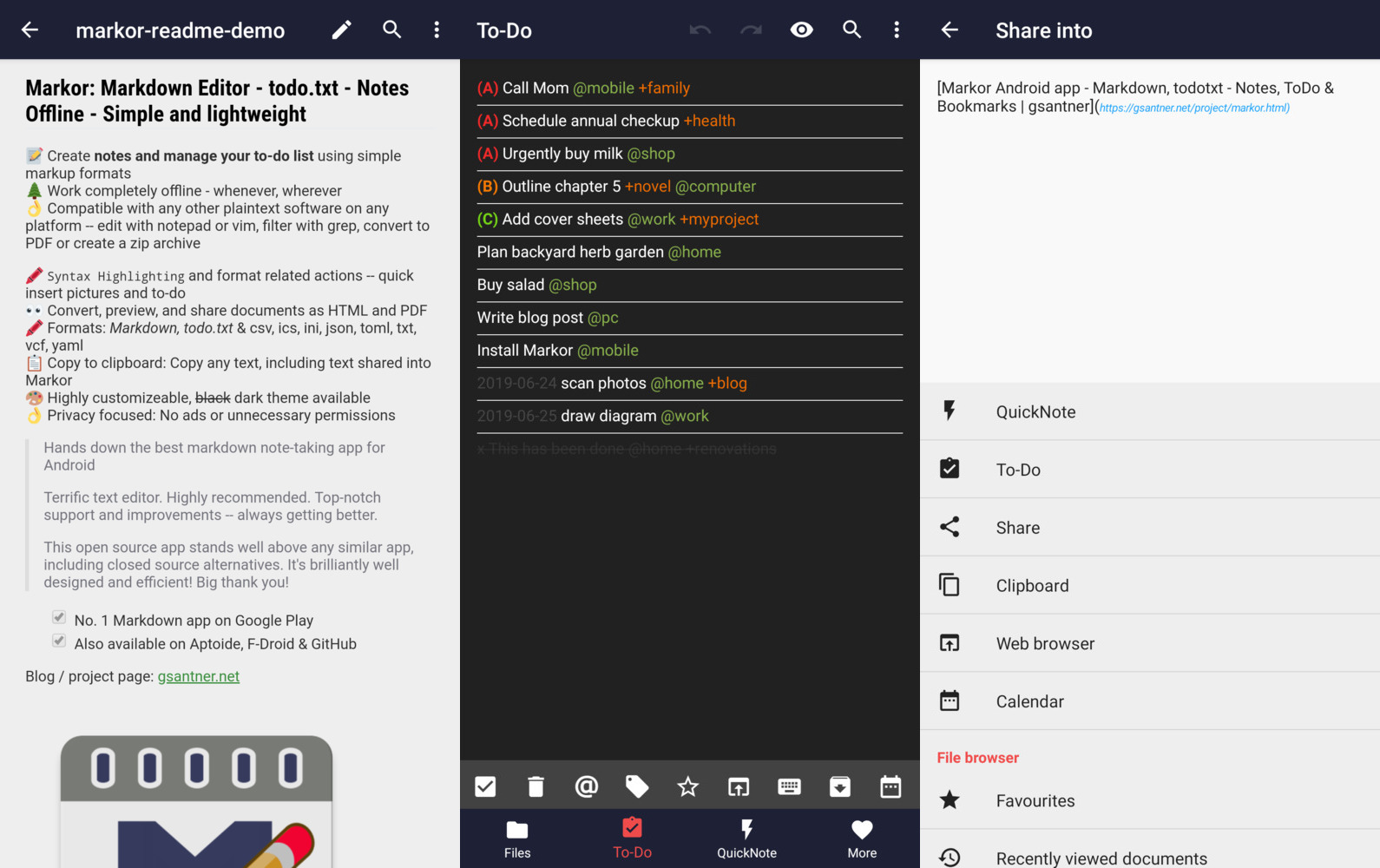 ## Features 📝 Create notes and manage your to-do list using simple markup formats <br/>🌲 Work completely offline -- whenever, wherever <br/>👌 Compatible with any other plaintext software on any platform -- edit with notepad or vim, filter with grep, convert to PDF or create a zip archive <br/> <br/>🖍 Syntax Highlighting and format related actions -- quickly insert pictures and to-dos <br/>👀 Convert, preview, and share documents as HTML and PDF <br/> <br/>📚 Notebook: Store all documents on a common filesystem folder <br/>📓 QuickNote: Fast accessible for keeping notes <br/>☑️ To-Do: Write down your to-do <br/>🖍 Formats: Markdown, todo.txt, Zim/WikiText, Plaintext, [csv](doc/2023-06-02-csv-readme.md), ics, ini, json, toml, vcf, yaml <br/>📋 Copy to clipboard: Copy any text, including text shared into Markor <br/>💡 Notebook is the root folder of documents and can be changed to any location on the filesystem. QuickNote and To-Do are textfiles <br/> <br/>🎨 Highly customizable, dark theme available <br/>💾 Auto-Save with options for undo/redo <br/>👌 No ads or unnecessary permissions <br/>🌎 Language selection -- use other language than on the system <br/> <br/>🔃 Markor is an offli阅读完整原文
商业机会分析 规则生成(AI 未配置)
综合评分 44.5 分。该项目在“个人可实施性”维度得 37 分,“付费可能性”维度得 20.0 分,差异化空间 70.0 分(评分依据见评分卡)。
面向细分需求的二次开发产品
| 产品构想 | 基于 markor 的核心能力,聚焦一个更窄的场景(如某平台、某行业)做差异化。 |
| 目标用户 | 该细分场景用户 |
| 难度/周期 | 中 · 2~6 周 |
| 收费模式 | 买断制 / 订阅制 / 广告 |
| 竞争风险 | 细分需求规模需验证 |
| 依据 | AI 推测:基于项目主题标签的判断 |
以上为规则引擎基于仓库公开数据生成的参考结论,包含推测成分,不构成投资或创业承诺;配置 AI 后可获得更深入的分析。
报告会保存到 个人中心
竞品与相似项目 GitHub Search 真实检索
| 项目 | 中文简介 | Stars | 语言 |
|---|---|---|---|
| wiltodelta/remove-ai-watermarks | 中文介绍暂未生成 Remove visible and invisible AI watermarks from images and v |
6,347 | Python |
| ephread/Instructions | 中文介绍暂未生成 Create walkthroughs and guided tours (coach marks) in a simp |
5,198 | Swift |
| iconic/open-iconic | 中文介绍暂未生成 An open source icon set with 223 marks in SVG, webfont and r |
3,581 | CSS |
| Inkloom-art/inkloom | 中文介绍暂未生成 Specialised AI models for logo design — a brand-analysis mod |
3,251 | TypeScript |
| react-component/slider | 中文介绍暂未生成 🎚️ Accessible React slider for single values, ranges, marks, |
3,085 | TypeScript |
| markshust/docker-magento | 中文介绍暂未生成 Mark Shust's Docker Configuration for Magento |
2,867 | Shell |
以上为通过 GitHub 官方 Search API 检索的相似项目,功能差异与优劣势需进一步人工确认,配置 AI 后可生成对比分析。
项目优势与风险
| 技术成熟度 | 创建于 2017-08-26,近 30 天仍在推送,发布过 82 个 Release |
| 社区活跃 | Star 6,416 / Fork 566 / Issue 215(数据支持,可自行核实) |
| 许可证 | NOASSERTION |
| 主要风险 | 上游项目方向可能变化;同赛道竞争者较多(见竞品表);热度与需求不完全等价 |
安装与使用
快速开始(以仓库 README 为准)
git clone https://github.com/gsantner/markor.git
cd markor
# 请阅读仓库 README 获取确切安装步骤(依赖、配置、启动命令)
术语说明:Docker=应用容器(把程序和依赖打包运行);API Key=调用外部服务的密钥;Git Clone=把仓库代码下载到本地。常见错误:API Key 未配置 / 端口占用 / 数据库连接失败,多数项目在 README 的 Troubleshooting 章节有说明。